ModestFeed for Android
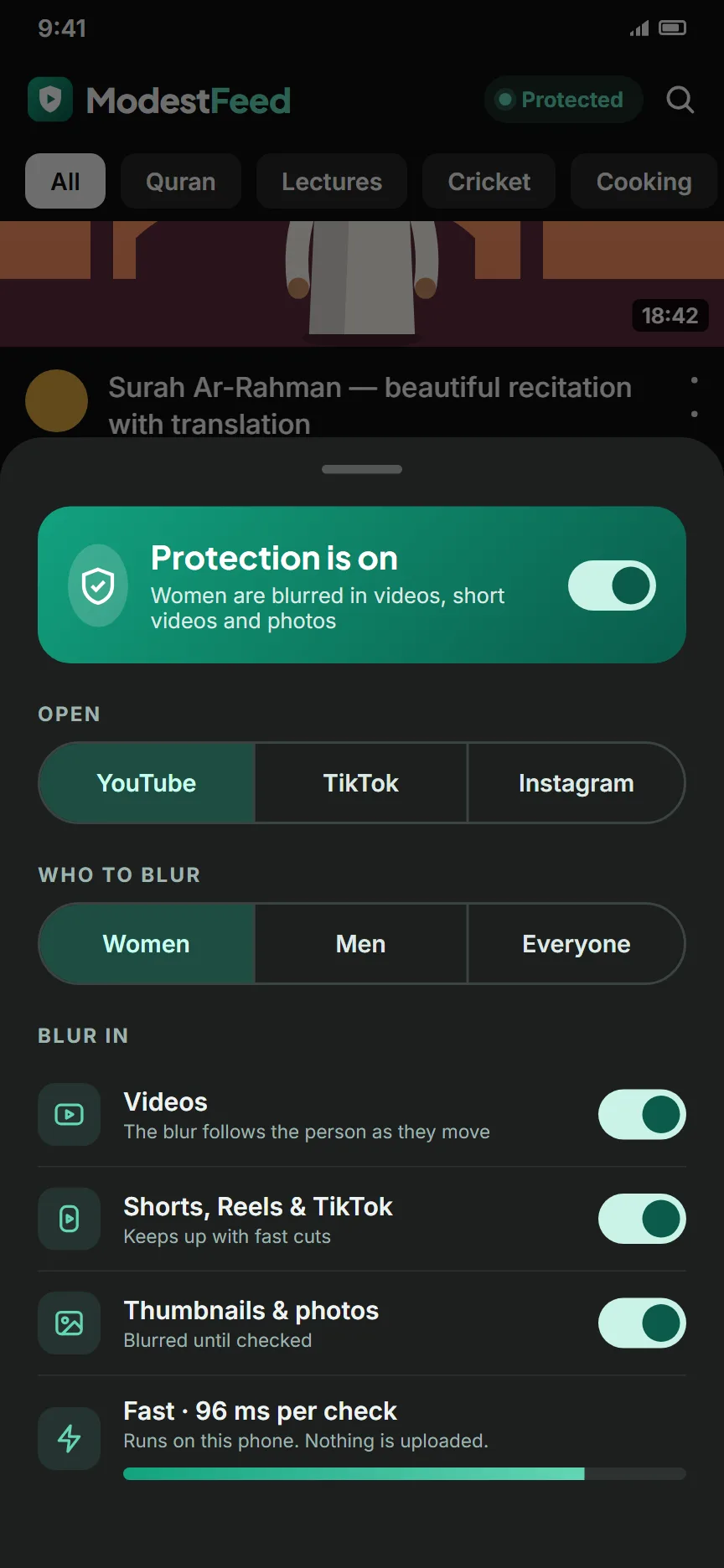
A private browser for YouTube, TikTok and Instagram with the blur built in.
- Sign in with your own accounts, as usual
- Feels like the apps: search, Shorts, Reels, back to the top
- Switch sites and settings from one shield button
ModestFeed blurs people as you scroll and watch: in videos, Shorts, Reels and thumbnails. The AI runs on your own phone or computer, so nothing you watch ever leaves your device.
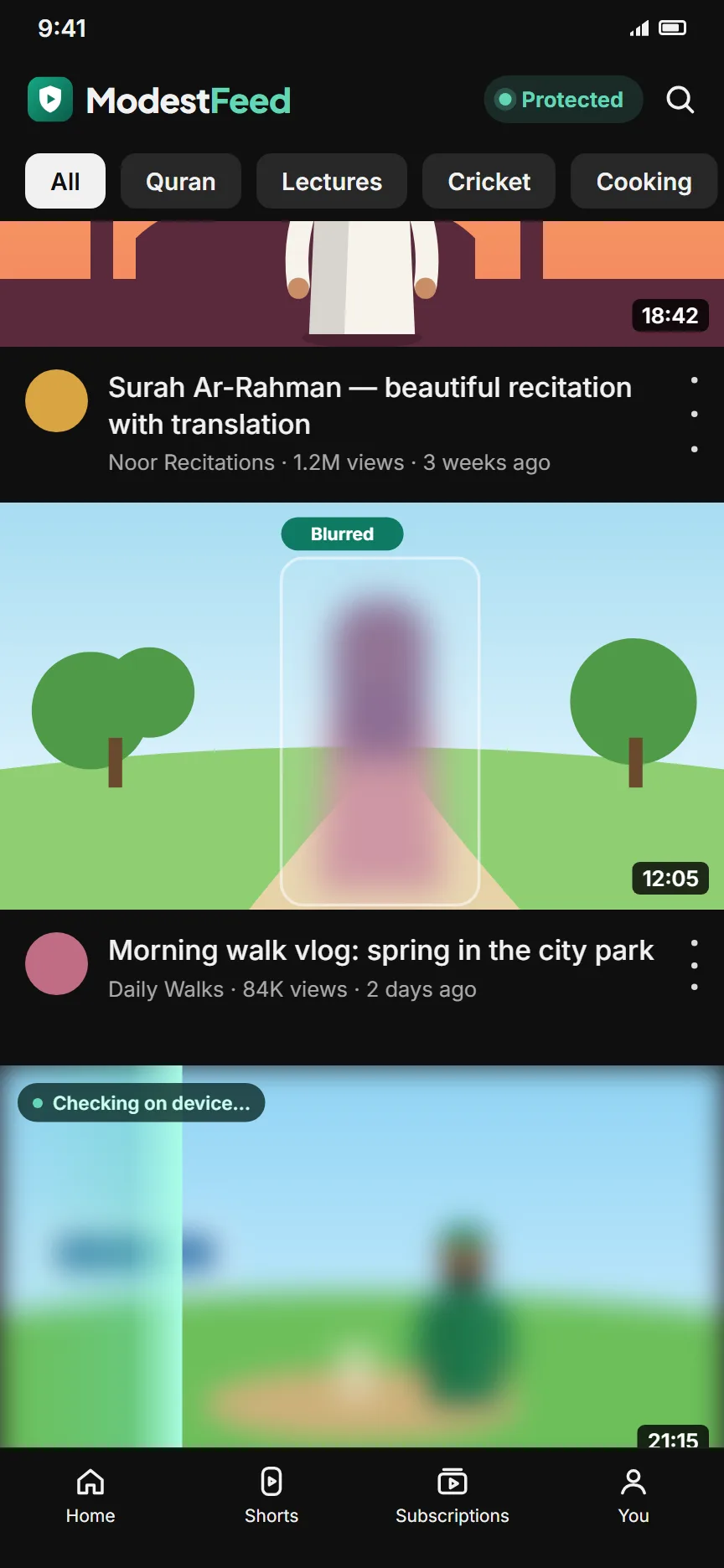
You browse the way you always do. ModestFeed quietly checks every picture and video frame first, and blurs the people you chose.
Open YouTube, TikTok or Instagram in the ModestFeed app, or YouTube in Chrome. Sign in with your own accounts as usual.
A small copy of every thumbnail and video frame is checked by the AI model inside the app. Nothing is sent anywhere.
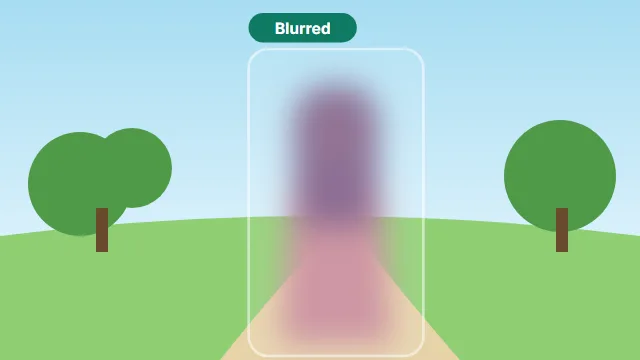
The people you chose get a soft blur that moves with them. Everything else stays clear, so you can still enjoy what you came for.
Made for people who want to keep using the internet without seeing what they would rather not see.
ModestFeed keeps checking while a video plays, so the blur goes wherever the person goes, and never covers the whole video.
per check on an everyday Android phone. No special hardware.
Brothers and sisters can each set it up the way they need.
The AI model is inside the app. What you watch is never uploaded, stored or shared.
Keeps up with fast cuts in short videos, and gives anything uncertain a second look.
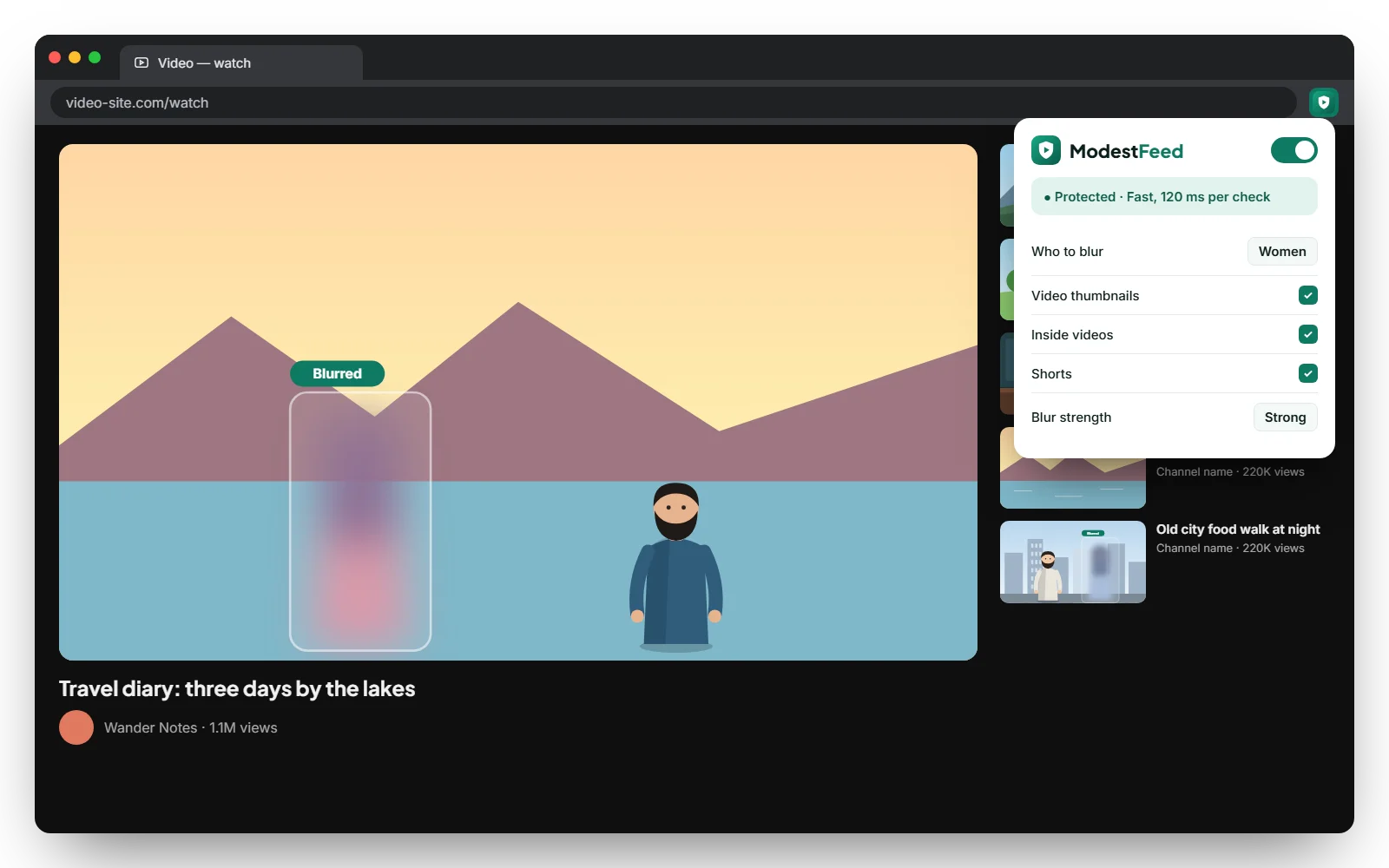
Pause with one tap, set the blur strength, and choose where it applies: videos, short videos or pictures.
One plan covers both. Use ModestFeed on up to 3 devices.

A private browser for YouTube, TikTok and Instagram with the blur built in.
Blurs YouTube on your computer: thumbnails, videos and Shorts.
A tool that sees everything you watch has to be trustworthy. So we built ModestFeed so that we never see it at all.
Pictures and video frames are checked in memory and thrown away.
You sign in on YouTube, TikTok or Instagram's own pages. We never see your passwords.
We don't sell or share data, and we don't build a profile of you.

Start free. Upgrade when you want the blur inside videos too. Prepaid, no automatic renewal, 14-day refund.
For pictures
Everything, for a full year
Everything, month by month
Other currencies are shown as an estimate. Compare plans in detail.
What people usually ask before they start. Can't find yours? Talk to us.
Write or call us. We reply within one working day.
No. The AI model is part of the app and runs on your phone or computer. Video frames and pictures are checked in memory and then discarded. They never reach us or anyone else.
No AI is perfect. ModestFeed catches the great majority of people, keeps pictures blurred until they're checked, and blurs the whole frame after you skip ahead. Very small, distant or unusual images can occasionally be missed, and we keep improving the model with every update.
The Android app opens YouTube, TikTok and Instagram (Android 11 or newer). The Chrome extension works on YouTube in Google Chrome and Microsoft Edge on Windows, Mac, Linux and Chromebook.
Yes. You sign in on each site's own sign-in page, exactly as in a normal browser, so your subscriptions, follows and recommendations are all there. ModestFeed never sees your passwords.
You pay in Pakistani rupees through our payment partner's secure page: debit or credit card, bank account or mobile wallet such as JazzCash or Easypaisa, depending on what is available to you. Plans are prepaid and never renew automatically, so there is nothing to cancel.
Try Premium free for 3 days first. If you buy and you're not happy, ask within 14 days and we refund the full amount. See our Return & Refund Policy.
ModestFeed is in its final testing. Join the waitlist below and we'll email you the moment the Android app and the Chrome extension are available.
Leave your email and we'll tell you as soon as the Android app and the Chrome extension are ready.
We use your email only to tell you about the launch. See our Privacy Policy.